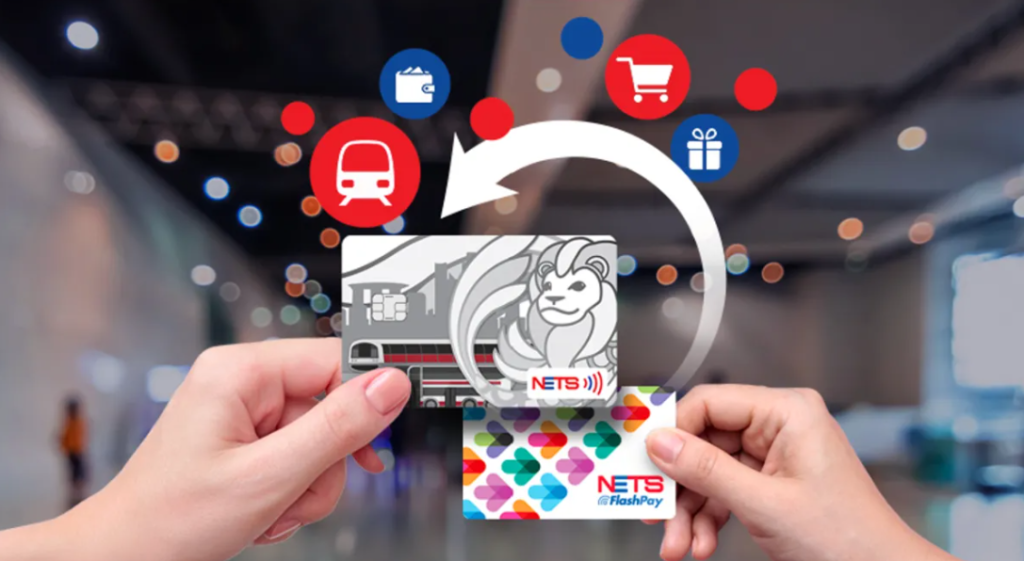
If you are living in Singapore, you have likely seen the NETS logo at almost every cashier, hawker stall, and car park. While it seems like a simple payment method, NETS actually offers a variety of specialized cards.
Understanding which one to use—and how to set up Auto Top-Up—is the secret to a seamless life in the “Little Red Dot.”
| Card Type | Best For… | Key Features |
| NETS Bank Card | Daily Shopping & Transit | Linked to your bank account. Use it for SimplyGo on buses/trains. |
| NETS Prepaid Card | Public Transport & Budgeting | A stored-value card. No bank account needed. Ideal for tracking expenses via the app. |
| NETS Motoring Card | ERP & Parking (Drivers Only) | Mandatory for your vehicle’s IU/OBU unit to pay tolls and car park fees. |
| NETS FlashPay | Motoring & Retail | A legacy card. Still works for driving and shops but is no longer used for public transport. |
2. The Power of the NETS App
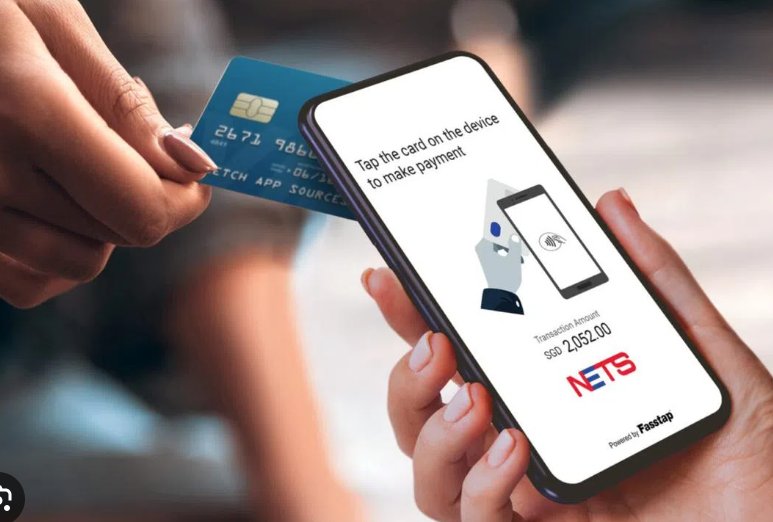
The NETS App (available on iOS and Android) is the “remote control” for your cards. By adding your cards to the app via NFC (tapping the card against your phone), you can:
- Check real-time balances.
- View detailed transaction history.
- Instantly Lock a lost card to protect your remaining balance.
3. Never Get Stuck: How to Set Up Auto Top-Up (ATU)
One of the biggest frustrations for expats is getting stuck at a car park exit because of a low balance. Setting up Auto Top-Up ensures your card is always ready.
Step-by-Step Guide to Auto Top-Up:
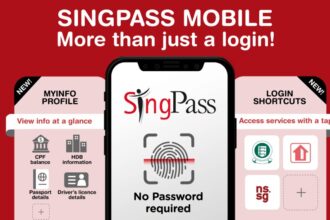
- Download & Login: Open the NETS App and log in (now simplified with Singpass onboarding).
- Add Your Card: Tap ‘Add Card’ and hold your NETS Motoring or Prepaid card against the back of your phone (NFC).
- Register for ATU: Select your card from the home screen and click ‘Auto Top-Up’.
- Link a Payment Method: Add your DBS/POSB, OCBC, or UOB debit/credit card as the source of funds.
- Set Your Threshold: * Trigger Amount: Choose when to top up (e.g., when balance falls below $10).
- Top-Up Amount: Choose how much to add (e.g., add $20).
- Activate: You will receive an activation code via SMS/Email. Follow the in-app prompts to finalize the activation. Once done, the card will automatically “refill” itself whenever you tap it at a terminal or gantry!
4. HomeInSG’s Practical Tips
- For Commuters: If your bank card has the SimplyGo logo, you don’t need a separate card! Just tap your bank card or your phone (Apple/Google Pay) at the MRT gantry.
- For Drivers: Always use a NETS Motoring Card for your car. While some old FlashPay cards still work, the Motoring Card is the modern standard designed for the new OBU (On-Board Unit) system.
- For Hawker Centers: Many stalls now use NETS QR. Instead of a card, just open your bank app (DBS PayLah!, OCBC Digital, etc.), scan the QR code, and enter the amount. It’s the fastest way to pay for your $5 Chicken Rice!
To get your NETS Bank Card, you first need a local account. Check my [Singapore Banking Guide] for a step-by-step walkthrough.